

Olive reads your documents
Upload PDF, Word, CSV or HTML files and she answers from them, with sources.
AI chatbot for business websites
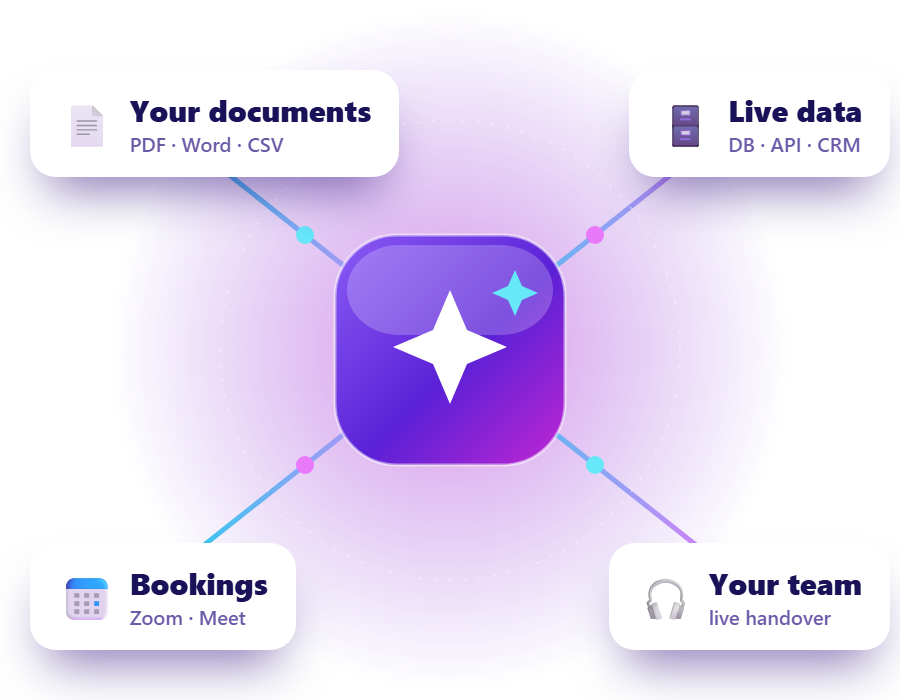
OAConnect is a no-code AI chat agent for your website. Trained on your own documents, it answers customer questions 24/7, looks up live data, captures and scores leads, and passes the conversation to your team the moment a person is needed.
 Answers from your documentschatbot trained on your own content, with sources
 Checks live datadatabase, API and CRM integration
 Hands over to your teamAI to human handover with the full conversation
Or see it on a live demo site. Start a free 30-day trial of every module: sign up and sign in instantly, with no approval wait.
See it in action
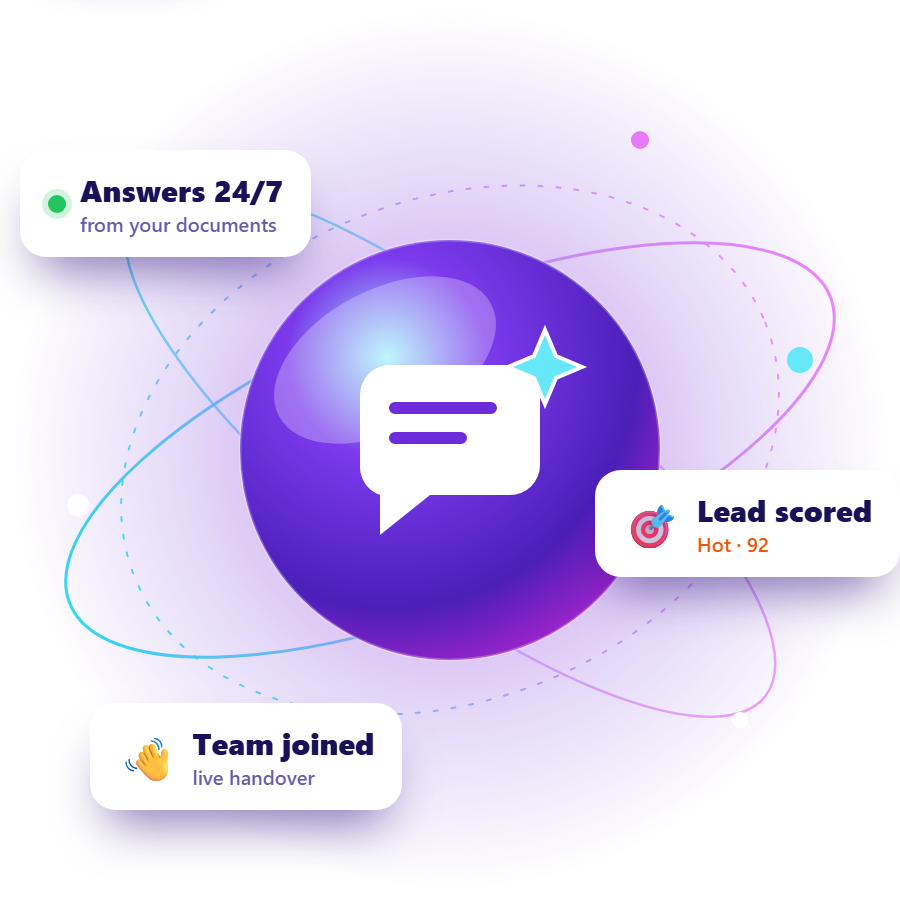
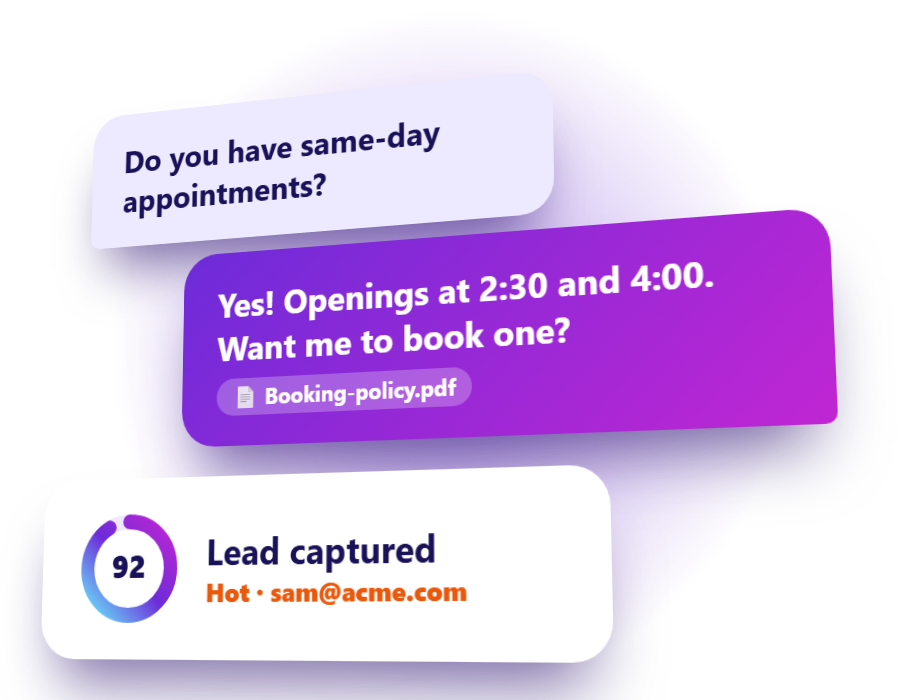
A visitor asks a question, the assistant answers from your documents with the source, books the appointment, scores the lead and brings in your team when a person is needed.
Meet the crew
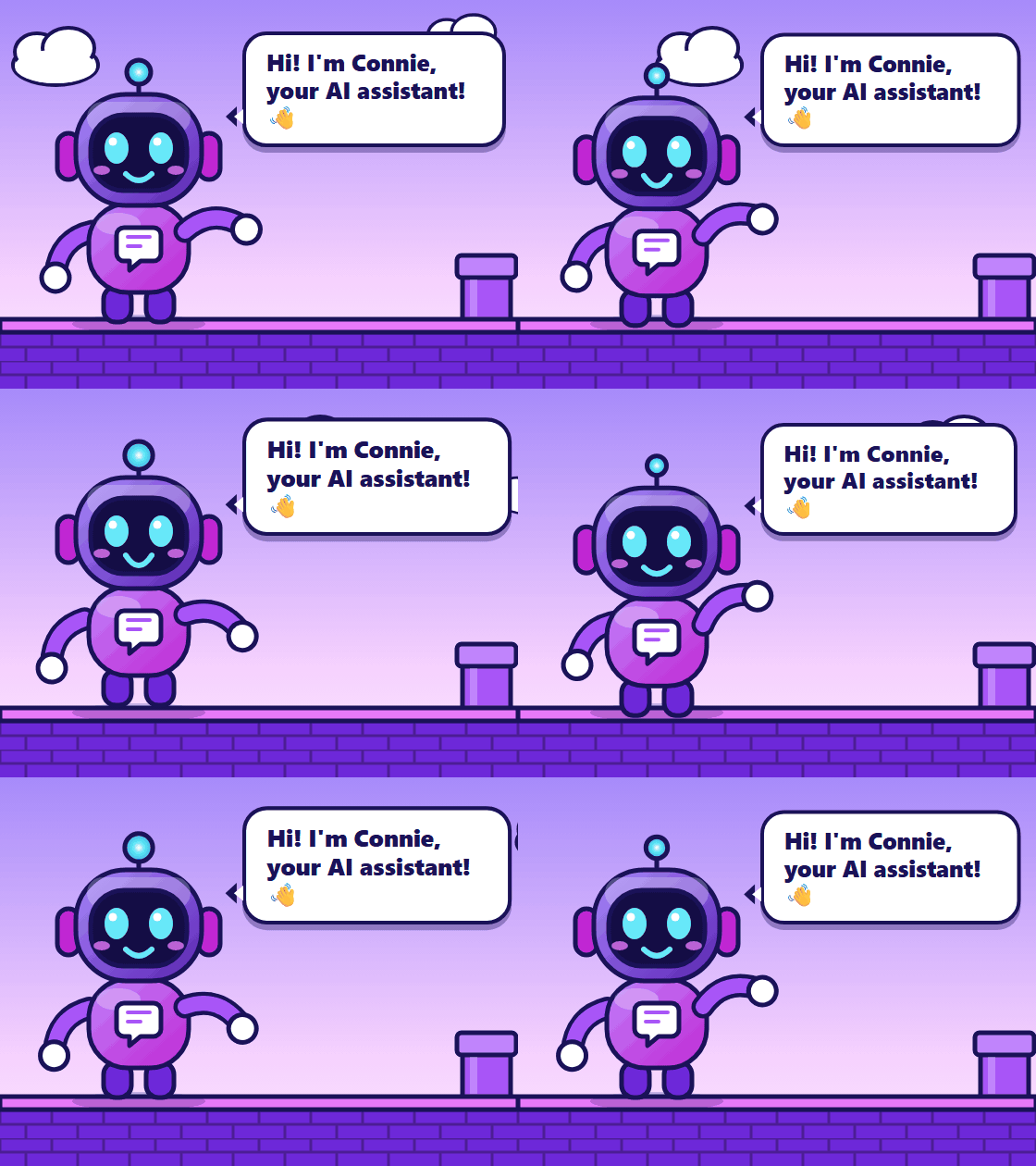
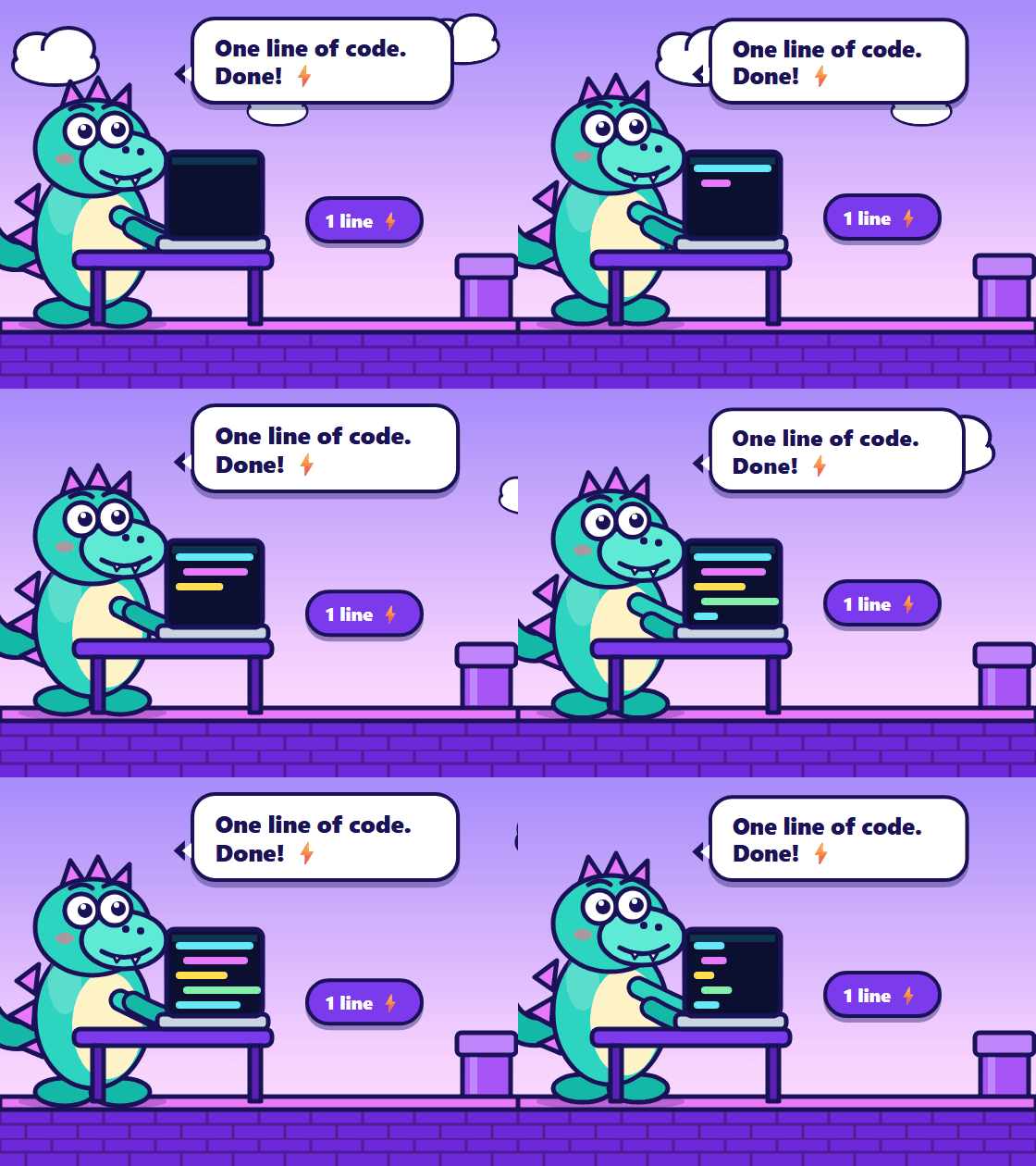
Connie the robot chats with every visitor. Behind her, Olive reads your documents, Mo catches and scores every lead, Dex gets you installed in one line, and Kit brings in your team when a person is needed.
Upload PDF, Word, CSV or HTML files and she answers from them, with sources.
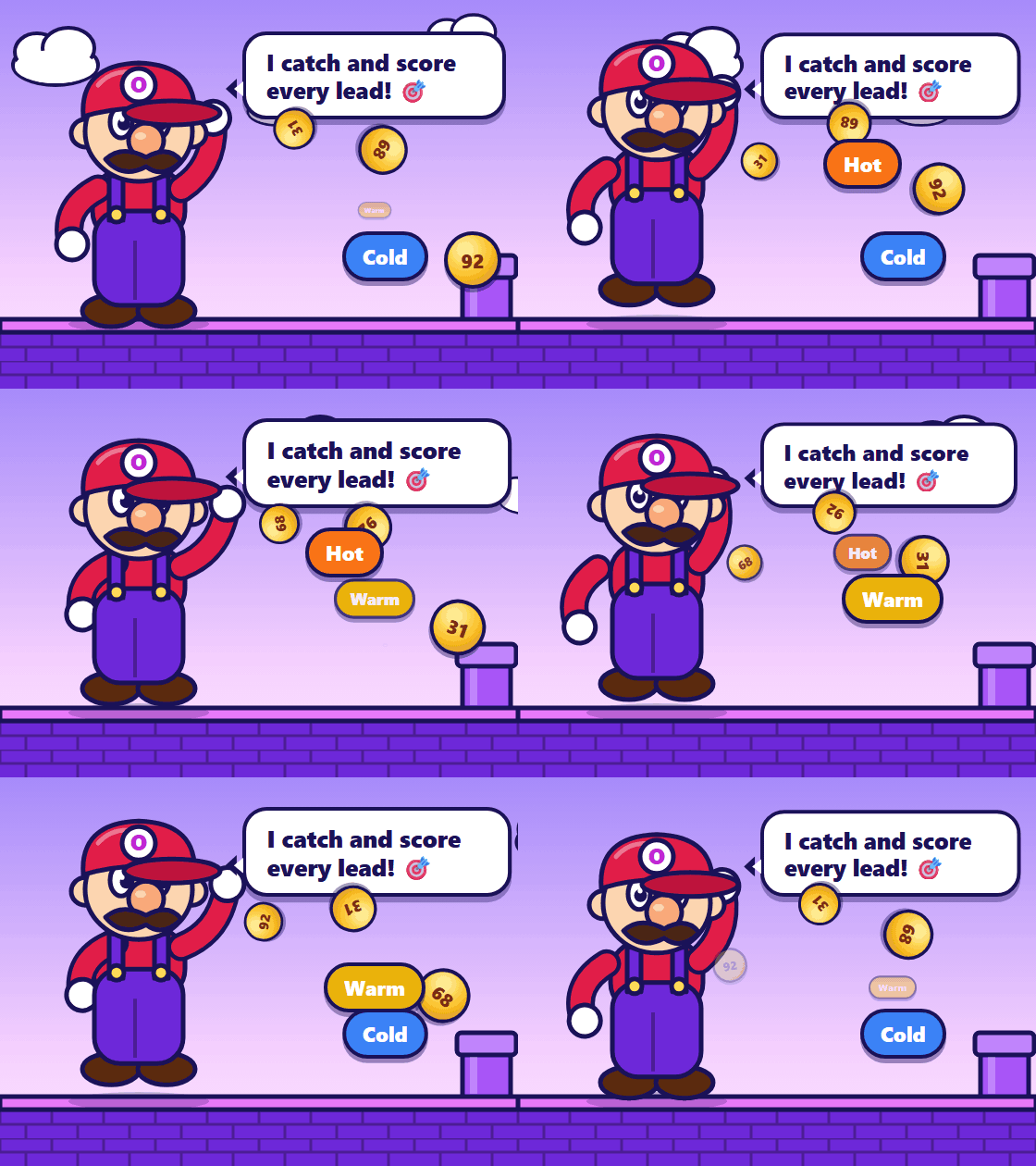
Hot, Warm or Cold with a 0 to 100 score and a short summary for your team.
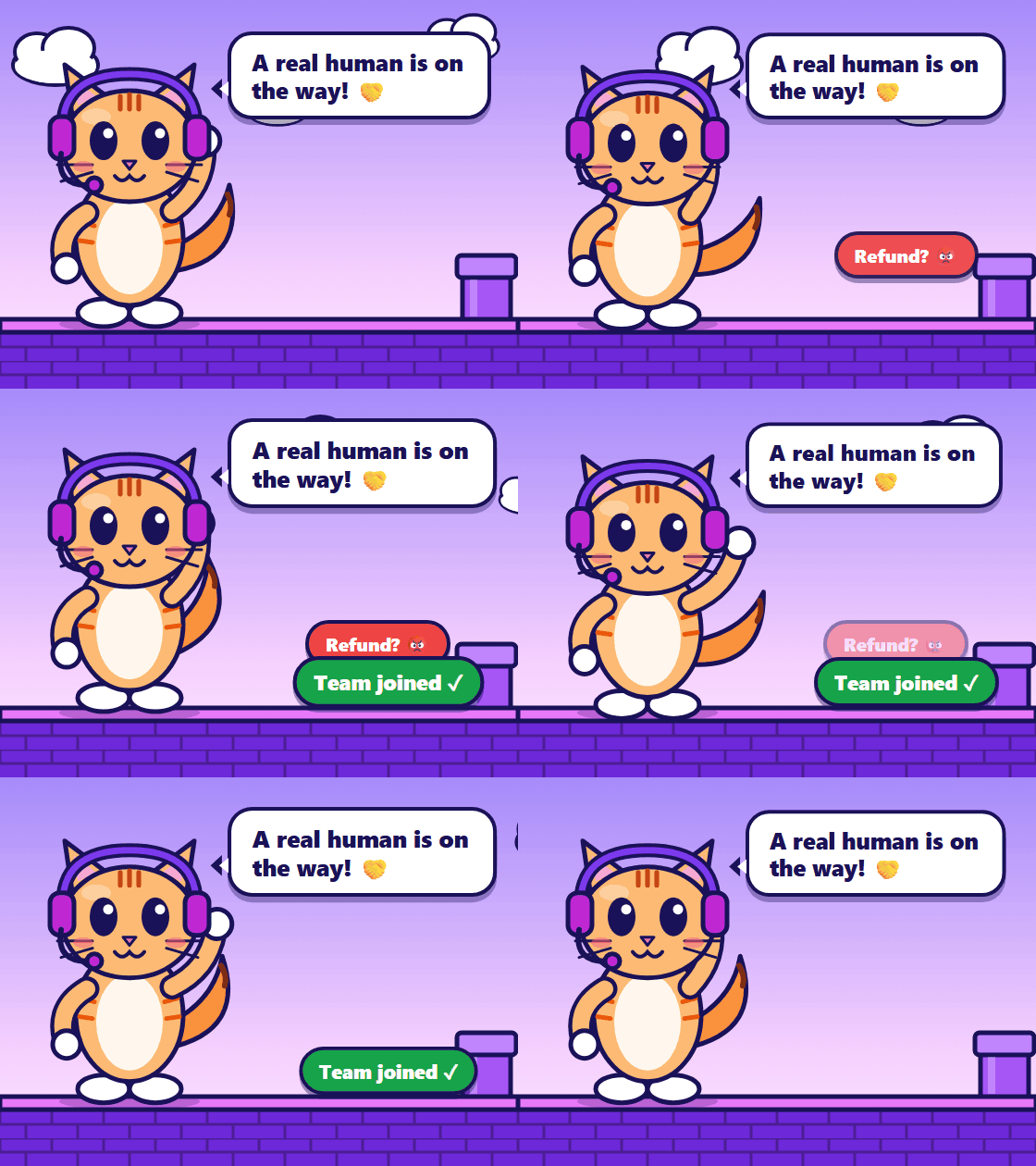
Refunds, complaints or a request for a person go straight to your live inbox.
AI chatbot features
One AI customer support chatbot for your website: the knowledge behind it, lead capture, and the team workflow after it.
Train the chatbot on your own data: upload PDF, Word, text, Markdown, CSV or HTML files. The AI agent answers from them and shows which document each answer came from.
Add the chatbot to your website with a single script tag, no developers needed. It works on plain HTML, WordPress, Shopify, Wix, Webflow, React and Next.js, and updates roll out from our server.
Connect a database (PostgreSQL, MySQL, SQL Server, MongoDB), a REST API or a CRM webhook. The chatbot can look up bookings, orders or availability, and changes happen only after the customer confirms.
When a visitor asks for a person or raises a refund, complaint or security concern, your team sees the chat in a shared live inbox, takes over with typing indicators and unread counts, and can hand back to the AI.
Conversational lead capture turns contact details shared in chat into leads. Describe in plain words what a good lead is, and each finished chat gets a 0 to 100 score, a Hot, Warm or Cold label and a summary.

Let visitors book through the chat. The assistant connects to Zoom, Google Meet and Calendly, and every booking is saved as a lead.
Optional modules let visitors attach images, videos and documents, see routes with driving distance on a Google map, and tap choices instead of typing.
Set your logo, assistant picture, launcher (animated ones included), colors, fonts, welcome message and starter buttons, and hide "Powered by", with a live preview.
Invite people as Owner, Admin, Manager, Human agent or Viewer. Leads move into a pipeline and turn into follow-up tasks so nothing waits unnoticed.
See chat sessions, visitor messages, handovers, leads captured, the most-used documents and the questions customers ask most. Open any session to read the transcript.
How it works
Test everything in the dashboard first. Nothing reaches your visitors until you activate the agent.
Sign up and our team approves your business. You become the Owner.
Train it on your documents, set its tone and connect the data it may use.
Chat with it in the built-in test chat, then copy one line onto your website.
Watch chats and leads live, take over when a person is needed, and follow up.
Install
No code to host. Your dashboard shows the exact snippet for each agent, ready to copy.
Use it for
Because the agent reads your documents and your systems, one platform covers very different businesses.
From the blog
See what is new in OA Connect and how each feature works.
FAQ
Short answers about how OAConnect works.
OAConnect is a platform for AI chat agents on business websites. The agent answers visitors from your own documents, can look up live data, captures and scores leads, and hands the conversation to your team when a person is needed.
Copy one script tag from your dashboard and paste it into your site. It works on plain HTML, WordPress, Shopify, Wix, Webflow, React and Next.js. Updates roll out from our server, so you never host or update any code.
Yes. Upload documents (PDF, Word, text, Markdown, CSV or HTML) and the agent answers from them and shows which document an answer came from. You can also connect a database, a REST API or a CRM webhook for live data.
The AI model never receives your database passwords or API keys. Lookups use a read-only login, stored credentials are encrypted, and changes such as creating or cancelling a booking only happen after the customer confirms.
When a visitor asks for a person, or raises something like a refund, a complaint or a security concern, the chat is handed over. Your team sees it in a live inbox, takes over with typing indicators and unread counts, and can hand the chat back to the AI.
Yes. Each agent has an allowed-domains list, so the chat only works on your own websites. For logged-in customers you can pass a signed identity so the agent knows who it is talking to.
The platform connects to Google Gemini, Anthropic Claude and OpenAI-compatible models. The model for your business is assigned by the platform team, so you do not manage AI keys yourself.
Create a workspace on the sign-up page and sign in straight away, with no approval wait. Every new business gets a free 30-day trial of all modules, so you can create an agent, add knowledge and test it in the built-in test chat before installing it on your site.
Yes. Every new business gets a free 30-day trial with all modules unlocked. When it ends, choose a plan and pay securely with Razorpay; plans renew automatically and you can cancel any time. Our team can also activate an account by hand.
Yes. You upload your documents, set your branding and paste one script tag. There is no development project, and your team stays in control of the content.
Yes. Upload PDF, Word, text, Markdown, CSV or HTML files and the chatbot answers from them, showing the source of every answer. You can add live data from a database, REST API or CRM on top.
Yes. With the meetings module it connects to Zoom, Google Meet and Calendly, and every booking is saved as a lead. It can also create, change or cancel bookings through your own booking API after the customer confirms.
Yes. Use your own logo, colors, fonts, assistant picture and launcher, and hide the "Powered by" label.
A generic widget only passes messages to your staff. OAConnect answers customers itself from your content, checks live data, qualifies leads and hands over to a person only when needed.
The chat asks visitors to accept your privacy notice first, credentials are encrypted and lookups are read-only. Compliance depends on your setup, so see our Security and Privacy pages for details.
Create your workspace, train the chatbot on your business and test it before a single visitor sees it.